
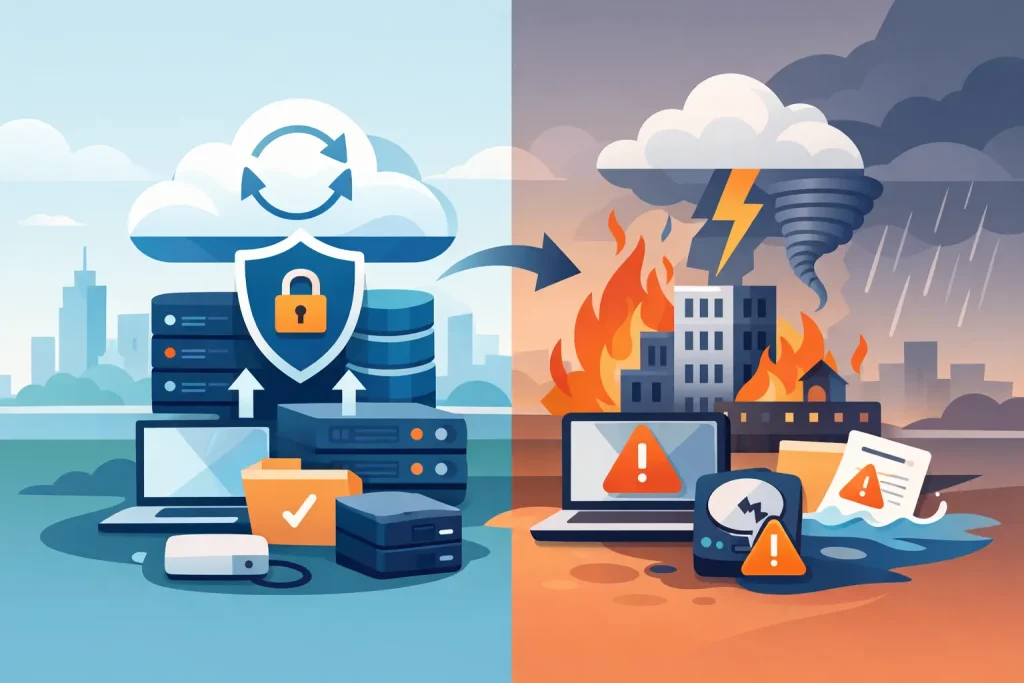
A server fails at 10:20 on a Tuesday. By 10:45, your team cannot access shared files, customer emails are going unanswered, and the phones start ringing with questions no one can answer. That is the moment business backup and disaster recovery stops being an IT line item and becomes a business survival issue.
For small to mid-sized organizations, downtime is rarely just a technical problem. It affects payroll, scheduling, billing, customer trust, compliance, and public reputation. If you run a nonprofit, healthcare practice, museum, chamber, or local business, the cost of an outage can spread quickly across your operations and your community relationships. A smart recovery plan protects more than data. It protects your ability to keep serving people.
What business backup and disaster recovery actually means
Business backup and disaster recovery is often treated like one service, but it includes two separate functions that need to work together. Backup is the process of copying data so it can be restored if files are deleted, corrupted, encrypted by ransomware, or lost in a hardware failure. Disaster recovery is the larger strategy for restoring systems, applications, connectivity, and workflows after a serious disruption.
That distinction matters. A backup may give you a copy of yesterday’s files, but that does not automatically mean your office can function by noon. If your server is down, your internet equipment is damaged, your cloud permissions are misconfigured, or your line-of-business application cannot reconnect to its database, recovery gets more complicated. The real question is not whether a backup exists. The real question is how fast your organization can operate again.
Why local organizations face higher risk than they think
Many smaller organizations assume they are less likely to be targeted or affected. In practice, they are often more exposed because they have fewer in-house technical resources, older equipment, and a patchwork of systems built over time. One office may store records on a local server, another may rely on Microsoft 365 or Google Workspace, and someone in accounting may still keep critical files on a desktop that nobody else monitors.
Regional organizations also face practical risks that larger urban enterprises can absorb more easily. Storms, power disruptions, aging infrastructure, and staffing gaps can all delay recovery. If your business serves a local market, every hour offline is more visible. Customers notice. Members notice. Donors notice. If your team cannot communicate, invoice, schedule, or access records, the interruption becomes public very quickly.
The cost of a weak recovery plan
The most obvious cost is lost productivity, but that is only the start. Delayed billing impacts cash flow. Interrupted email affects customer service. Missing records create compliance concerns. Staff time gets pulled into manual workarounds, and leadership shifts from growth decisions to crisis management.
There is also a reputational cost that many organizations underestimate. If customers cannot reach you, if appointments disappear, or if internal confusion spills into public communication, trust takes a hit. For community-based businesses and institutions, that trust is hard won and not easily restored.
This is why a low-cost backup solution is not always the right solution. Cheap storage may keep copies of data, but it may not provide fast recovery, image-based restoration, ransomware protection, retention policies, or regular testing. The trade-off is simple: lower monthly cost can mean longer downtime when something goes wrong.
The core parts of a strong business backup and disaster recovery strategy
A dependable strategy starts with knowing what is truly critical. Not every file, workstation, or application has the same business value. Your accounting platform, shared documents, email, patient or donor records, and website infrastructure may all need different recovery priorities. If everything is labeled urgent, nothing is.
Next comes backup design. That usually includes a mix of local and cloud-based protection. Local backups can speed up restoration for common issues. Offsite or cloud backups protect you when hardware is destroyed, the office is inaccessible, or ransomware spreads across the network. In many environments, a hybrid approach offers the best balance of speed and resilience.
Testing is where many plans fail. A backup that has never been tested is only a theory. Files can be incomplete, corrupted, or stored in a format that takes much longer to restore than expected. Recovery objectives should be measured, not assumed. How much data can you afford to lose? How quickly must key systems return? Those answers shape the entire plan.
Security also has to be built in. If backups are connected too openly to the same environment they are supposed to protect, attackers may encrypt or delete them as well. Access control, separation, monitoring, and alerting are not extras. They are part of recovery.
Recovery time matters more than most businesses realize
Two numbers drive good disaster planning: Recovery Point Objective and Recovery Time Objective. The first defines how much data loss is acceptable. The second defines how quickly systems need to be back online.
A law office, clinic, retailer, or nonprofit may have very different tolerances. Some can function for a few hours with limited access. Others cannot afford more than a few minutes of disruption. The right plan depends on the organization, the systems involved, and the impact of downtime on people you serve.
This is where one-size-fits-all packages fall short. A front desk scheduling platform, a donor database, and a marketing file archive should not all be treated identically. Recovery should match real operating priorities, not just technical convenience.
Backup alone is not enough
Many organizations believe cloud applications remove the need for business backup and disaster recovery. That assumption creates risk. While cloud platforms offer availability, they do not always provide the retention, versioning, or recovery flexibility your organization expects. Accidental deletion, sync errors, permission mistakes, and malicious activity can still cause major loss.
The same is true for websites and digital communications. If your website is down during a system failure, or if your email domain is compromised, customers may assume your entire business is unavailable. Recovery planning should account for public-facing systems, not only internal files. Your digital presence is part of your operations.
For organizations that rely on visibility, trust, and local engagement, this matters even more. Technical downtime can quickly become a brand problem.
How to judge whether your current setup is good enough
A practical test is to ask a few hard questions. Do you know where your backups are stored? Do you know how often they run? Has anyone tested a full restore recently? Could you recover a single file, an entire server, or a cloud mailbox without improvising? If your office could not access its building tomorrow, could your team still operate?
If the answers are unclear, your plan probably needs work. That does not always mean replacing everything. Sometimes it means documenting priorities, fixing gaps in coverage, tightening security, or aligning systems under one managed strategy. The goal is not complexity. The goal is confidence.
That is especially valuable for organizations trying to consolidate vendors and reduce operational friction. When backup, security, infrastructure, and communications are handled in coordination, response time improves and blind spots shrink. Problems are easier to detect, easier to isolate, and faster to resolve.
A better approach for growing organizations
The strongest recovery plans support growth, not just protection. As your team adds locations, remote staff, cloud tools, digital campaigns, and customer touchpoints, the impact of disruption grows with you. Recovery planning should evolve alongside that growth.
This is where an integrated partner can make a measurable difference. If the same team understands your network, devices, hosted systems, website infrastructure, and communications channels, recovery decisions become more practical and more aligned with business outcomes. Instead of juggling separate providers during an outage, you have a clearer path forward.
That is the value of comprehensive digital solutions. They reduce fragmentation, improve accountability, and help enhance your business with systems built for continuity instead of patchwork survival. For organizations that serve a local community, that continuity is part of the service promise you make every day.
If you are already thinking about backup, you are asking the right question. The next question is better: if something fails tomorrow, how well will your organization keep moving? A real answer comes from preparation you can trust, not hope you never have to test.