
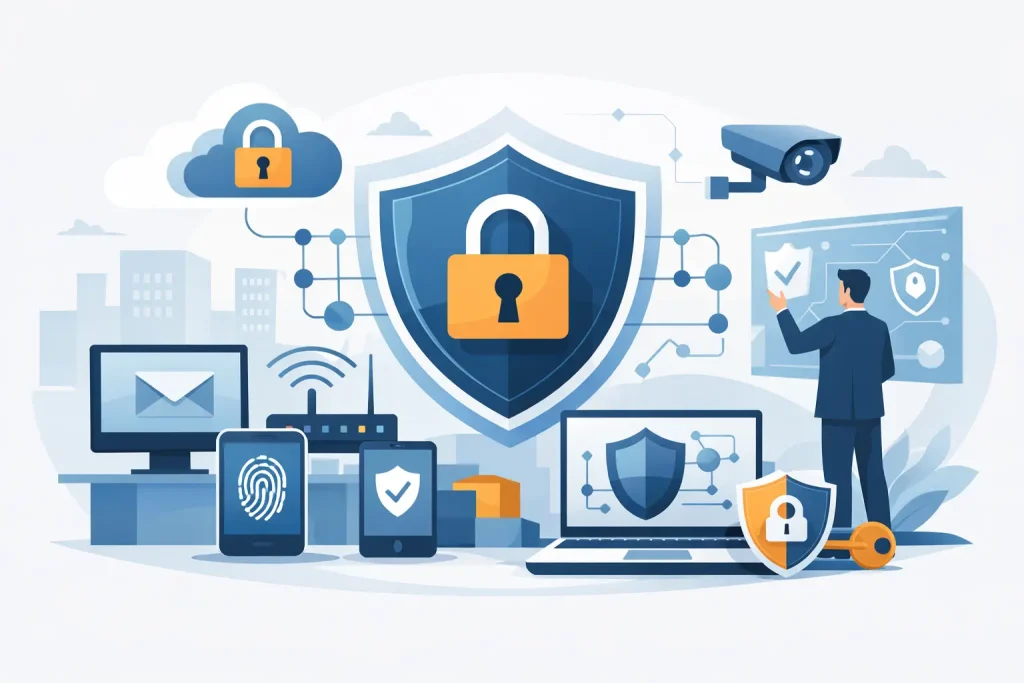
A single weak password on the office Wi-Fi can expose payroll files, customer records, email accounts, and cloud apps faster than most businesses expect. If you are asking how to secure office network infrastructure, the right answer is not one product or one setting. It is a set of smart controls working together to protect daily operations, staff productivity, and the trust your organization has built in the community.
For small and mid-sized organizations, network security is not just an IT issue. It affects billing, scheduling, customer service, compliance, and reputation. A nonprofit, medical office, museum, chamber, or local business may not have a large internal IT team, but it still faces the same phishing attempts, ransomware campaigns, and unauthorized access risks as larger enterprises. The difference is that smaller organizations usually have less room for downtime.
How to secure office network without overcomplicating it
The best office network security plan starts with visibility. Before buying new tools, identify what is actually connected to your network. That includes desktops, laptops, printers, phones, tablets, servers, smart TVs, cameras, door controllers, point-of-sale devices, and anything using office Wi-Fi. Many security gaps come from forgotten devices that were installed for convenience and never reviewed again.
Once you know what you have, separate it by role. Your accounting workstation should not live on the same unrestricted network segment as a guest Wi-Fi user or a lobby display screen. Network segmentation is one of the most practical ways to reduce damage if a device is compromised. It does require planning, and smaller offices may need help configuring switches, VLANs, and firewall rules correctly, but the payoff is significant.
A strong firewall is the next foundation. Many offices still rely on outdated router hardware from an internet provider or a consumer-grade device that was never meant to protect business systems. A business-class firewall gives you better traffic inspection, intrusion prevention, content filtering, VPN support, and clearer reporting. The trade-off is cost and management. Advanced security features are only useful if someone monitors them, updates them, and reviews alerts instead of letting them pile up unread.
Build security around people, not just hardware
Most office breaches start with human behavior, not elite hacking. An employee clicks a fake invoice, reuses a password from a personal account, or approves a login prompt they did not initiate. That is why access control matters as much as infrastructure.
Start with passwords and multi-factor authentication. Every staff member should use unique, complex passwords stored in a password manager rather than written on paper or reused across systems. Multi-factor authentication should be enabled on email, cloud platforms, financial tools, remote access, and administrator accounts first. If your team feels friction from extra login steps, that concern is real, but it is still far easier to handle than the disruption of a compromised account.
User permissions also deserve attention. Staff should only have access to the systems and files they actually need. This principle, often called least privilege, helps contain damage if an account is stolen or if someone makes an accidental change. In a smaller office, people often wear multiple hats, so permissions may not be perfectly simple. Even then, it is worth separating standard users from admin users and limiting who can install software or change system settings.
Training is the control that keeps every other control working. Short, regular security awareness sessions are more effective than one annual lecture everyone forgets. Teach staff how to recognize phishing, verify unusual payment requests, report suspicious behavior, and use approved tools for file sharing and communication. Businesses that enhance their operations with clear security habits usually see fewer incidents and faster response when something does happen.
Protect Wi-Fi, remote work, and mobile devices
Office Wi-Fi often becomes a weak point because it is shared by employees, guests, contractors, and personal devices. Your internal business Wi-Fi should be separate from guest access, and both should use current encryption standards with strong credentials. Disable old protocols and default settings. If a former employee or vendor still knows the Wi-Fi password from two years ago, that is an avoidable risk.
Remote work adds another layer. Staff connecting from home, hotels, or field locations should use secure remote access methods, preferably through a properly configured VPN or other secure business access platform. Open remote desktop exposure is especially risky and remains a common target for attacks. Convenience matters, but remote access should never be easier for an attacker than for your own team.
Mobile devices deserve the same attention as office desktops. Phones and tablets often contain email, saved passwords, cloud app access, and client communications. If those devices are lost or stolen, the risk follows them out the door. Basic mobile device management, screen lock requirements, encryption, and the ability to remotely wipe business data can make a major difference.
Keep systems updated and backed up
One of the simplest answers to how to secure office network environments is also one of the most ignored: keep everything patched. Operating systems, browsers, firewall firmware, Wi-Fi access points, printers, and business applications all need updates. Attackers routinely exploit known vulnerabilities long after patches have been released.
Patching sounds straightforward, but in practice it can interrupt operations, affect compatibility, or require after-hours scheduling. That is why patch management should be organized instead of ad hoc. Critical systems should be prioritized, updates should be tested where necessary, and unsupported software should be replaced before it becomes a liability.
Backups are the safety net. They do not prevent a cyberattack, but they can keep one incident from becoming a business-ending event. Reliable backups should be automated, monitored, and stored in a way that cannot be easily encrypted or deleted by the same attacker who hits the main network. It is not enough to say backups exist. They should be tested regularly so recovery is realistic under pressure.
Monitor the network before a small issue becomes a major one
Good security is not set-and-forget. Offices need monitoring that can spot failed login spikes, unusual outbound traffic, device failures, and suspicious changes in real time or close to it. Even basic alerting is better than learning about a breach from a locked screen or a vendor complaint.
Logs matter here, but only if someone reviews them. For many organizations, that means working with a managed IT and cybersecurity partner that can watch the environment consistently, maintain hardware, and respond when something looks wrong. This is often where regional businesses gain the most value. Instead of juggling separate providers for IT support, cloud tools, cybersecurity, and public-facing digital systems, they benefit from coordinated oversight that supports both operations and growth.
If your office handles sensitive records, payment data, donor information, or health-related communications, monitoring should also be aligned with your compliance obligations. Security controls need to fit the type of data you hold, the software you use, and the way your team works. A one-size-fits-all checklist rarely holds up in a real business environment.
Create a response plan before you need one
Even well-secured networks can face incidents. The difference between a manageable event and a damaging one often comes down to response speed and decision-making. Every office should know who to call, who can approve urgent actions, how systems will be isolated, and how employees should report suspicious activity.
An incident response plan does not need to be long to be useful. It does need to be clear. If a staff member clicks a phishing link, they should know whether to disconnect the device, call IT, change passwords, or stop using email. If a server goes offline, leadership should know how communication, operations, and restoration will be handled.
This is also where vendor relationships matter. A reliable technology partner can help businesses enhance their business continuity, reduce downtime, and produce real, measurable outcomes from their cybersecurity investment. For organizations that need practical support rather than abstract advice, a provider like Epuerto can bring together network management, cybersecurity, backup, cloud systems, and day-to-day IT guidance under one strategy.
The strongest office network is the one you can manage consistently
Security does not have to be flashy to be effective. A well-configured firewall, segmented networks, strong authentication, updated systems, tested backups, staff training, and active monitoring will do more for most offices than chasing the latest security trend. What matters is consistency, accountability, and a setup that fits how your organization actually operates.
If your network has grown piece by piece over time, that is normal. The next step is not panic. It is a practical review of where risk lives today, what protections are missing, and how to improve without slowing down the work your team needs to do. A secure office network should support business confidence, protect community trust, and give you room to grow without unnecessary exposure.