
- What Are Your Actual Options?
- How to Choose: Five Questions Worth Asking
- A Quick Comparison
- What Small Businesses Often Get Wrong
- Where VoIP Fits Into a Broader IT Setup
- FAQs
- Make the Right Call for Your Office
Your phone system is one of those things that works invisibly until it doesn't. Then suddenly you're losing calls, frustrating customers, and scrambling to figure out why a piece of infrastructure you barely thought about is now costing you business.
If you're running a small business in 2026 and haven't revisited your telephone setup recently, this guide is worth your time. The options have changed, pricing models have shifted, and the right choice depends on factors specific to your office — not some generic recommendation that fits everyone.
Here's what you need to know about landlines, VoIP, and hybrid systems before you commit to anything.
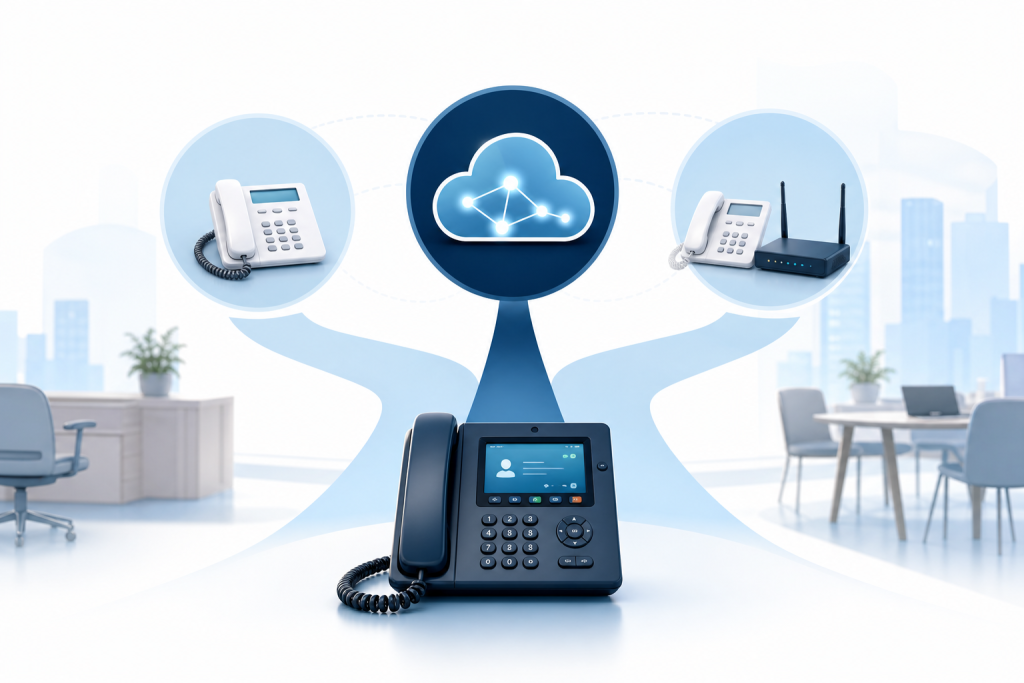
What Are Your Actual Options?
Traditional Landlines
A traditional landline uses the public switched telephone network (PSTN) to carry voice calls over physical copper wire. You pay a monthly line fee to a carrier, plug in desk phones, and the system runs independently of your internet connection.
Landlines have been the default for decades, and they still make sense in specific situations. Call quality is consistent. The system doesn't go down when your router reboots. For businesses in areas with unreliable internet, a landline is often the safer bet.
The downsides are real, though. Scaling is expensive — adding a line means calling your carrier, waiting for provisioning, and paying per line. Features like call routing, auto-attendants, and voicemail-to-email either don't exist or cost extra. And the infrastructure itself is aging. Many carriers have been quietly retiring copper lines in favor of fiber or digital alternatives.
VoIP (Voice over Internet Protocol)
VoIP routes calls over your internet connection instead of copper wire. Your phones — or a softphone app on a laptop or mobile device — connect to a cloud-based platform that handles call routing, voicemail, conferencing, and everything else.
For most small businesses in 2026, VoIP is the default recommendation, and for good reason. You can add users without a technician visit, set up call routing rules in minutes, and give remote employees a business number that rings on their laptop or phone. Features that used to require expensive PBX hardware are now standard.
The catch is dependency on your internet connection. If your bandwidth is limited or your connection is unreliable, call quality suffers. You'll also want a router and network configured to prioritize voice traffic — called Quality of Service, or QoS — so calls aren't competing with everything else on your network.
Hybrid Systems
A hybrid system combines elements of both. You keep some physical infrastructure on-site — typically a PBX unit — while routing calls through internet-based trunks (SIP trunking). Some businesses use this approach to preserve existing desk phones while gaining VoIP features. Others use it as a transitional setup while migrating fully to the cloud.
Hybrid systems are more complex to configure and maintain than pure VoIP. They make the most sense for businesses that have recently invested in hardware they're not ready to write off, or for offices with specific call volume or redundancy requirements.
How to Choose: Five Questions Worth Asking
1. How reliable is your internet connection?
This is the first and most important question for VoIP. A stable, business-grade broadband connection with consistent upload speeds will serve you well. Frequent outages or slow speeds are a different story — in that case, a landline or hybrid setup gives you a fallback.
2. How many people need phone access, and where are they?
Landlines are physical. VoIP is not. If you have employees working remotely, across multiple locations, or on mobile devices, VoIP gives you one system that covers all of them. A landline can't do that without significant additional cost and coordination.
3. What features do you actually need?
Make a list before you shop. Common small business phone features include:
- Auto-attendant (a recorded menu that routes callers)
- Call forwarding and transfer
- Voicemail to email
- Conference calling
- Call recording
- Business SMS
- Integration with CRM or scheduling software
VoIP platforms typically include most of these by default. Landlines often require add-ons or separate hardware. If your list is long, VoIP wins on features almost every time.
4. How much do you want to manage yourself?
This is the question most comparison guides skip. VoIP systems are flexible, but someone has to configure them. Call routing rules, extensions, voicemail greetings, user accounts — none of it sets itself. If you have no IT staff and no time to manage a phone platform, a self-serve VoIP subscription may create more work than it saves.
A managed VoIP setup, where a provider handles configuration and ongoing support, removes that burden entirely. That's worth factoring into your total cost comparison.
5. What does your budget look like over 3 years, not just month one?
Landlines have predictable monthly costs but limited upside. VoIP typically costs less per line but may require upfront investment in network infrastructure. Hybrid systems can be expensive to set up and maintain. Run the numbers across a realistic time horizon — not just the monthly sticker price.
A Quick Comparison
| Factor | Landline | VoIP | Hybrid |
|---|---|---|---|
| Reliability | High (independent of internet) | Depends on internet quality | Moderate (has fallback) |
| Cost to scale | High (per-line fees) | Low (add users digitally) | Moderate |
| Feature set | Limited | Extensive | Moderate to extensive |
| Remote work support | Poor | Excellent | Good |
| Setup complexity | Low | Low to moderate | High |
| Ongoing management | Low | Low to moderate | Moderate to high |
What Small Businesses Often Get Wrong
The most common mistake is choosing a phone system based on the monthly rate alone. A $15-per-line VoIP plan sounds great until you realize it doesn't include the router configuration, QoS setup, or IT support you need to make it work reliably.
The second mistake is underestimating how much a bad phone experience costs. A dropped call, a busy signal, or a confusing auto-attendant menu can send a potential customer straight to a competitor. Your phone system is a customer-facing tool, not just back-office infrastructure.
The third mistake is treating the phone system as something separate from everything else. In a small office, your phones, your network, your internet connection, and your security setup are all connected. VoIP running on a poorly configured network will underperform. A phone system without encrypted communication creates a compliance and privacy risk in certain industries. These things don't exist in isolation.
Where VoIP Fits Into a Broader IT Setup
If you're moving to VoIP, it's worth thinking about your full network environment at the same time. Performance depends on your router, your bandwidth, and how your network is configured. Businesses that manage their IT infrastructure properly — with firewall management, network monitoring, and appropriate hardware — consistently get better results from VoIP than businesses that bolt it onto an unmanaged setup.
This is one reason some small businesses work with a managed IT provider rather than handling phone setup on their own. When your VoIP system, network security, and IT infrastructure are all managed by the same team, problems get caught earlier and resolved faster.
Epuerto offers VoIP telephone systems as part of its managed IT services for small businesses in Coos Bay and across Oregon. Rather than sourcing a phone system separately and hoping it plays nicely with your network, you get a setup that's configured and supported alongside your other IT infrastructure — not around it.
FAQs
What is the best telephone system for a small business in 2026?
For most small businesses, VoIP is the best starting point. It offers more features, lower per-line costs, and better support for remote or mobile employees than a traditional landline. The right choice still depends on your internet reliability, team size, and whether you have someone available to manage the system.
Can VoIP replace a traditional landline for a small business?
Yes, in most cases. VoIP handles all the core functions of a landline — inbound and outbound calls, extensions, voicemail — plus features like auto-attendants, call recording, and mobile apps. The main exception is if your internet connection is unreliable, in which case a hybrid or landline setup may be more appropriate.
What is a hybrid phone system?
A hybrid phone system combines on-site PBX hardware with internet-based call routing (SIP trunking). It lets businesses keep existing desk phones while gaining some VoIP features. Hybrid setups are more complex to manage than pure VoIP and are often used as a transitional approach during a broader migration.
Does VoIP work well for small businesses with remote employees?
Yes. VoIP is well suited for remote work because employees can use a business number from a laptop, desktop, or mobile device from any location with internet access. Call routing, transfers, and voicemail all work the same way regardless of where the employee is located.
What internet speed do I need for VoIP?
A general rule is roughly 100 kbps of upload and download bandwidth per active VoIP call. For a small office with five employees, a business-grade connection with at least 10 Mbps upload is a reasonable baseline. Your router also needs to be configured to prioritize voice traffic (QoS) to prevent call quality issues.
Is VoIP secure for business use?
VoIP can be secure when properly configured. Risks include call interception and unauthorized access to your phone system. Encrypted VoIP protocols, strong passwords on phone accounts, and a well-managed network firewall reduce those risks significantly. For businesses handling sensitive client information, this isn't something to gloss over.
Should a small business manage its own VoIP system or use a managed provider?
If you have no dedicated IT staff, a managed VoIP setup is usually the better option. Self-serve VoIP platforms require configuration, ongoing updates, and troubleshooting. A managed provider handles those tasks and can integrate your phone system with your broader IT infrastructure — reducing the chance of issues that fall through the cracks.
Make the Right Call for Your Office
Landlines, VoIP, and hybrid systems each have legitimate use cases. For most small businesses in 2026, VoIP is the practical choice — but only when it's set up on a stable, well-managed network and supported by someone who can keep it running.
If you're in Coos Bay or elsewhere in Oregon and want a phone system that fits into a properly managed IT environment, Epuerto is worth a conversation. The team handles VoIP setup and support alongside network security, IT infrastructure, and more — so your phone system works with everything else in your office, not in spite of it.