
A frozen workstation five minutes before payroll closes. An email outage on the morning of a member campaign. A staff laptop that will not connect to shared files while the front desk is already busy. These are the moments when remote IT support stops sounding like a convenience and starts looking like a business essential.
For small to mid-sized businesses, nonprofits, healthcare practices, museums, and community organizations, technical problems rarely arrive at a good time. They interrupt operations, frustrate staff, and chip away at service quality. Remote IT support gives organizations a faster, more practical way to resolve many of those issues without waiting for an onsite visit. When managed well, it can enhance your business by reducing downtime, improving security, and giving your team dependable access to real expertise.
What remote IT support actually covers
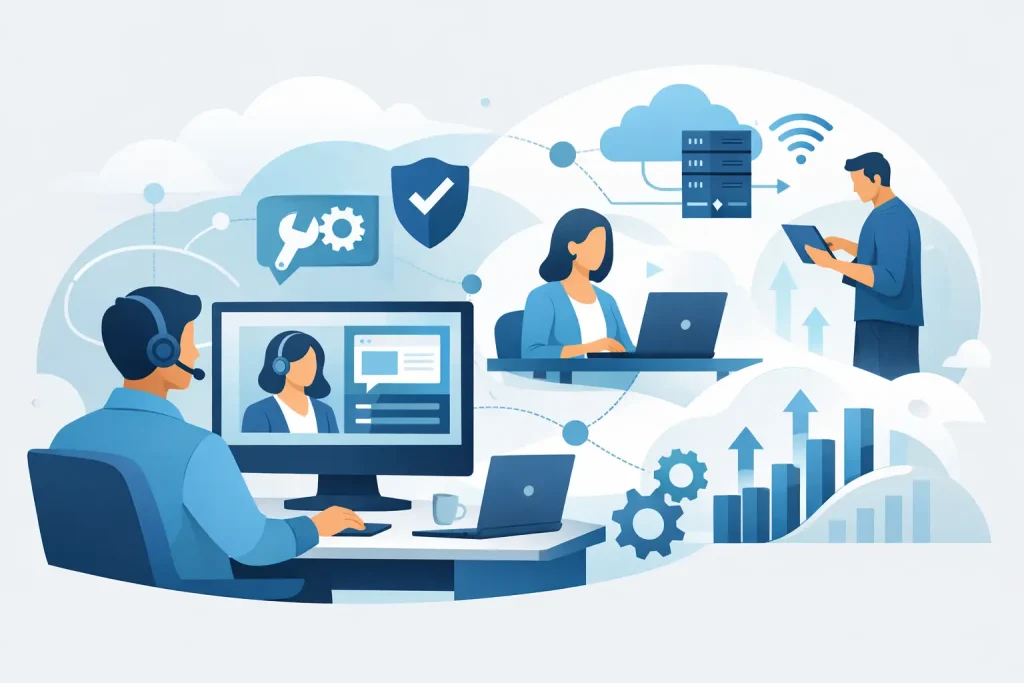
Remote IT support is the delivery of technical assistance over a secure internet connection. Instead of sending a technician to your office for every issue, support teams can access systems remotely, troubleshoot problems, install updates, manage users, monitor devices, and respond to incidents from a distance.
That does not mean every problem can or should be handled remotely. A failed hard drive, damaged cabling, or a broken office printer may still require hands-on service. But a large share of the issues that slow organizations down every week can be addressed without waiting for someone to arrive onsite.
In practical terms, remote support often includes help desk assistance, workstation troubleshooting, email support, software patching, antivirus management, cloud application support, user account changes, backup monitoring, and security response. For organizations with hybrid staff or multiple locations, it also creates a more consistent support model because the service is not tied to one physical office.
Why remote IT support matters more than ever
The shift is not just about convenience. It reflects how organizations now operate. Staff work from offices, homes, clinics, front desks, community spaces, and mobile setups. Files live in cloud platforms. Customer communication depends on email, websites, and digital tools staying available.
That changes what support needs to look like. A model built only around onsite response can create delays that cost more than the original issue. If a team cannot access hosted email, shared documents, scheduling software, or point-of-sale tools, the damage builds quickly. Lost time becomes lost revenue, missed communication, and poor customer experience.
Remote IT support shortens that gap. It allows a technician to connect quickly, see the issue directly, and begin solving it while the problem is still small. For many organizations, that speed is the difference between a disruption and a full operational bottleneck.
There is also a security angle. Cybersecurity risks do not wait for a scheduled visit. Suspicious logins, failed backups, malware alerts, and software vulnerabilities often need immediate attention. A remote support model makes faster response possible, which can limit exposure and improve resilience.
The biggest business advantages
The most obvious advantage is response time. If a staff member cannot send email or access line-of-business software, getting help in minutes is better than getting help tomorrow. Faster support keeps teams productive and reduces the domino effect one tech issue can have across scheduling, billing, reporting, and customer communication.
Cost control is another reason many organizations prefer this approach. Remote support can reduce travel time, lower service costs for routine issues, and make it easier to bundle support into a managed service arrangement. That matters for organizations trying to plan budgets carefully while still maintaining professional-grade systems.
Consistency also improves. With the right provider, remote support is not just a reaction service. It becomes part of a broader operational strategy that includes monitoring, updates, backup checks, endpoint protection, and policy enforcement. Instead of fixing the same recurring issue over and over, a stronger support structure helps prevent it.
For leadership teams, there is a less visible but equally important benefit: clarity. A good support partner can track recurring problems, identify aging equipment, point out user training gaps, and recommend improvements before they affect service delivery. That turns IT from a series of interruptions into a managed business function.
Where remote IT support works best
Remote support is especially effective for software and access issues. Password resets, user permissions, application errors, email misconfiguration, VPN problems, cloud platform troubleshooting, and many update-related issues can often be resolved quickly from a distance.
It also works well for proactive maintenance. Monitoring systems can alert technicians when devices are running out of storage, backups fail, antivirus falls out of date, or unusual behavior appears on the network. In those cases, support can begin before users even realize there is a problem.
Organizations with distributed teams often benefit the most. If staff work across several locations or split time between office and home, a remote-first support approach creates a more practical service model. Everyone gets access to the same help regardless of where they are working.
That said, there are trade-offs. If your infrastructure is old, poorly documented, or highly dependent on aging local servers and hardware, remote support alone may not be enough. Some environments need a blended model that combines remote response with periodic onsite maintenance and strategic upgrades.
What to look for in a provider
Not all remote support is equal. Some providers simply wait for tickets. Others actively manage your environment, reduce recurring issues, and connect technical decisions to your broader business goals.
Response time matters, but so does scope. Ask whether the provider handles only break-fix issues or also supports cybersecurity, backups, cloud systems, user management, and network oversight. If your website, email, business listings, and digital communications are central to your operations, support should extend beyond a desktop problem and into the systems that keep your organization visible and functional.
Security practices should be non-negotiable. Remote access must be controlled, encrypted, and carefully documented. Multi-factor authentication, endpoint protection, patch management, and backup verification should be part of the conversation, not optional extras.
Communication style matters too. Business owners and executive directors do not need vague technical language. They need clear answers, realistic timelines, and practical recommendations. A capable provider explains what happened, what was fixed, what still needs attention, and how to prevent the issue from returning.
For many organizations, the strongest fit is a partner that understands both the technical backbone of the business and the public-facing systems that support growth. If your email fails, your marketing slows down. If your website is outdated or insecure, trust suffers. If your internal systems are fragmented, staff lose time that should be spent serving customers or community members. The best support model recognizes those connections.
Remote IT support and business growth
It is easy to think about IT support only in terms of repair. The better perspective is continuity. When systems stay available, teams do better work. When digital tools are managed well, customer communication improves. When security and backups are in place, leadership can make decisions with more confidence.
That is why remote IT support should not sit in its own silo. It supports operations, customer service, revenue, reputation, and growth. For a healthcare office, that may mean protecting scheduling and records access. For a museum or chamber, it may mean keeping events, donor communication, and public information online. For a local business, it may mean keeping transactions moving while maintaining a credible digital presence.
A provider like Epuerto can be especially valuable in that context because many organizations do not just need technical repair. They need comprehensive digital solutions that connect IT stability with web presence, communication tools, and local visibility. That kind of integrated support reduces vendor sprawl and creates a clearer path to real, measurable outcomes.
When remote support is not enough by itself
A strong article on this topic should say what remote support cannot do. It cannot replace every onsite service. It cannot compensate for obsolete systems forever. It cannot erase the need for staff training, password discipline, or clear internal processes.
If your organization has constant connectivity issues, failing hardware, outdated networking equipment, or years of deferred maintenance, remote support may expose those weaknesses rather than solve them fully. That is still useful. It gives you a clearer picture of where operational risk lives. But it also means the right next step may involve infrastructure improvements, cybersecurity upgrades, or a broader managed service plan.
The real value comes from using remote support as part of a complete strategy rather than as a patch for deeper problems.
A smarter standard for modern organizations
Organizations do not need more tech for the sake of tech. They need reliable systems, faster issue resolution, stronger protection, and support that respects how their teams actually work. Remote IT support meets that need when it is built around responsiveness, security, and business continuity rather than just quick fixes.
If your team is losing time to recurring issues, waiting too long for help, or juggling too many disconnected vendors, this is a good place to raise the standard. Better support does more than solve tickets. It gives your organization room to operate with confidence, serve people well, and keep moving forward.