
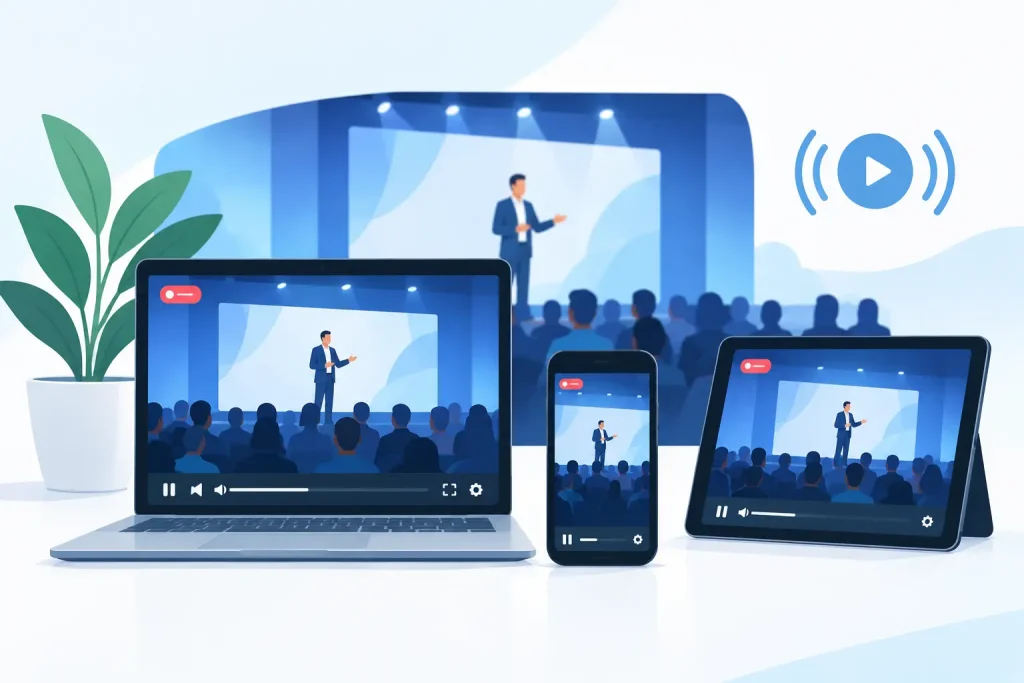
A board member cannot travel. A donor lives two states away. A prospective customer sees your event announcement after every seat is taken. None of those people should have to miss the conversation. The right video streaming services for events turn a room-bound program into a reachable experience without asking your staff to become a production crew overnight.
For local businesses, nonprofits, healthcare organizations, museums, and community groups, event streaming is no longer reserved for large conferences. It is a practical way to extend attendance, document valuable presentations, and serve people who want to participate but cannot be physically present. The results, however, depend on more than selecting a platform and pressing Go Live.
What event streaming should accomplish
A good stream does more than transmit a camera feed. It should make remote attendees feel included, keep the organization in control of its message, and produce a recording that remains useful after the event ends.
That looks different for every organization. A chamber may want to broadcast a business forum to members across the county. A museum may need clear close-up video for a gallery talk. A healthcare provider may need restricted access, careful moderation, and a process that protects patient privacy. A retailer hosting a product launch may care most about visual quality, audience comments, and turning viewers into customers.
The platform matters, but the production plan matters just as much. Video streaming services for events should support your actual goal: attendance growth, education, fundraising, member engagement, internal communication, or community visibility. If a provider cannot explain how its setup serves that goal, the technology may be more complicated than helpful.
Start with the audience, not the platform
The first decision is whether the event is public, private, or a mix of both. Public streams can be useful for community awareness and reach. They work well for festivals, public meetings, demonstrations, performances, and educational programming. Private streams are better suited to staff training, member-only sessions, board meetings, or programs where registration and access control matter.
Consider what remote attendees need to do. If they only need to watch, a dependable broadcast and clear viewing instructions may be enough. If they need to ask questions, vote, download materials, or network, you need a format designed for interaction. Live chat can increase participation, but it also requires a moderator who can welcome guests, surface worthwhile questions, and handle inappropriate posts.
Accessibility belongs in the planning stage as well. Captions help viewers who are deaf or hard of hearing, but they also help people watching in a noisy office or without sound. Clear speaker audio, readable presentation slides, and advance access instructions make the event more usable for everyone. These choices demonstrate care for your audience while improving the professional quality of the broadcast.
The technical details that protect the experience
Most failed event streams do not fail because the host chose the wrong website. They fail because of weak internet, poor audio, inadequate testing, or unclear responsibilities in the room.
Internet bandwidth and backup plans
A venue’s guest Wi-Fi is rarely a safe primary connection for a live broadcast. It may be shared by attendees, limited by building construction, or affected by network policies the day of the event. A wired connection is generally the preferred option, with enough dedicated upload capacity for the selected video quality.
A practical provider tests the connection at the venue, not only from an office. They also prepare a backup, which may include a separate cellular connection or a recorded presentation that can be used if a live component is interrupted. No technology can eliminate every risk, especially in rural locations or older buildings, but planning reduces the chance that a short outage becomes a public disappointment.
Audio is more important than most teams expect
Viewers will tolerate an occasional soft camera shot. They will leave quickly if they cannot understand the speaker. Room microphones often capture applause, HVAC noise, and distant conversations instead of clear speech.
For panels, presentations, and ceremonies, the production should take a direct feed from the venue sound system when possible and use appropriate microphones for speakers. Before doors open, test every person who will speak, including virtual presenters. This small investment improves both the live experience and the recording your organization may use for months.
Cameras, lighting, and presentation content
One camera can be enough for a simple talk, particularly when the speaker remains at a podium. Multiple camera angles are worth considering for panels, demonstrations, performances, and larger programs because they keep the program visually clear and allow viewers to see the speaker, audience interaction, and slides when appropriate.
Lighting affects credibility more than many organizations realize. A presenter standing in front of a bright window can appear as a silhouette, even with a quality camera. Slide decks should use large text and high contrast. If a speaker plans to show a video during the event, test how its sound and picture will reach remote viewers rather than assuming the room setup will carry over.
Choose a service level that fits the event
Not every event requires a full production crew, and not every event should be handled by an employee with a laptop. The right service level depends on the audience size, program complexity, reputational stakes, and value of the recording.
A straightforward town hall or staff update may need one operator, a camera, a presentation feed, and moderated chat. A fundraising gala, annual meeting, or regional conference may call for multiple cameras, graphics, lower-third speaker names, sponsor recognition, prerecorded segments, and dedicated technical support.
Ask prospective providers how they handle four specific areas: pre-event testing, live monitoring, backup connectivity, and post-event recording delivery. Their answers reveal more than a feature list. You want a defined process and a clear point of contact, not an arrangement where no one owns the outcome if audio drops or an invited guest cannot enter the stream.
Pricing should be transparent about what is included. Some services quote a low starting rate, then add charges for travel, equipment, editing, hosting, captions, graphics, or extra event hours. Those additions may be entirely reasonable, but they should be known before you commit. Compare the total scope of work, not only the first number on a proposal.
Make the stream part of your event promotion
A stream cannot extend your reach if your audience does not know it exists. Promote the live option with the same care you give the in-person event. Tell people where to register or watch, when to join, whether they can submit questions, and what they will gain by attending remotely.
For public events, short speaker clips, behind-the-scenes setup images, and reminder posts can create interest before the broadcast. For registered events, send joining instructions early and send a concise reminder shortly before the start. Make sure the message works on mobile devices, where many viewers will access the stream.
Afterward, the recording becomes a valuable communications asset. A complete replay can serve people who missed the live session, while shorter clips can highlight a key announcement, expert insight, audience question, or community moment. With permission from speakers and participants, that content can support newsletters, social media, website updates, and future event promotion.
Build a repeatable event streaming process
Organizations that host regular meetings or programs benefit from a repeatable approach. Create a simple run of show that identifies the start time, speakers, slide cues, breaks, audience questions, and closing message. Assign one person to manage onsite coordination and another to monitor the online audience. The speaker should not be responsible for both presenting and troubleshooting.
It also helps to schedule a rehearsal for any event with multiple speakers, remote guests, or significant visibility. Rehearsals expose small issues before they become live problems: a presenter who shares the wrong screen, a microphone that needs adjustment, or an opening video that will not play through the broadcast feed.
For organizations that need both dependable technology and stronger local reach, Epuerto can coordinate streaming with the web, digital promotion, and technical support surrounding the event. That integrated approach reduces vendor handoffs and keeps the audience experience consistent from the first announcement through the recorded replay.
A better question to ask before you go live
Instead of asking, “What is the cheapest way to stream this event?” ask, “What should a remote attendee be able to see, hear, and do?” The answer will guide your platform, production level, staffing, accessibility needs, and promotion plan.
A well-planned stream gives people a seat at the event even when they cannot enter the room. That is not merely a technical convenience. For a business or community organization, it is a practical way to show up for more people, build trust, and keep an important conversation moving.