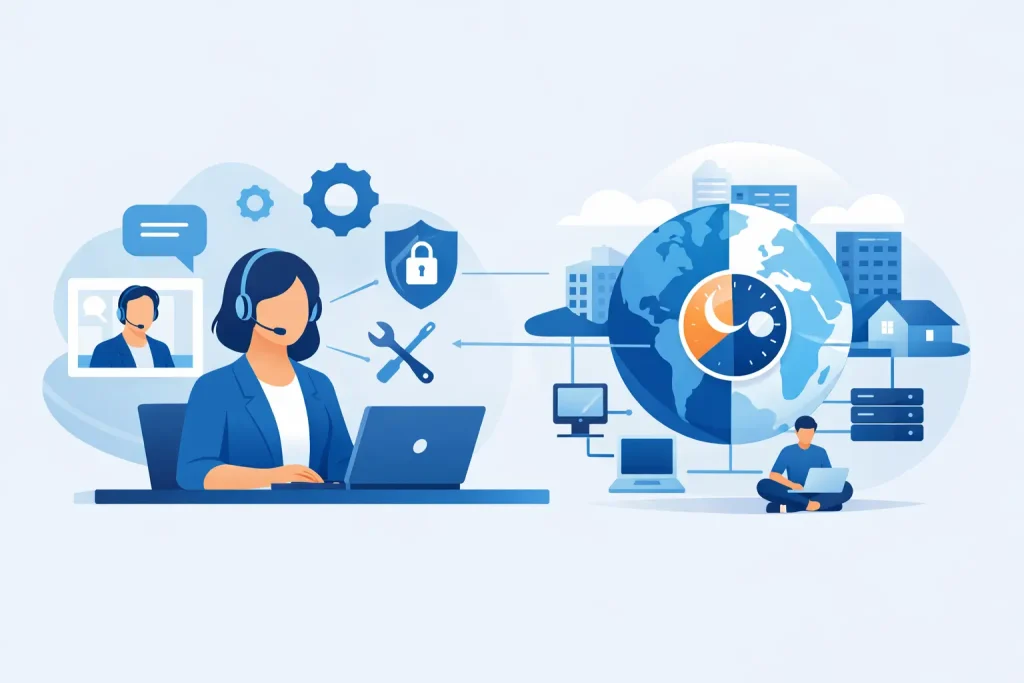
A server alert at 2:13 a.m. does not care whether your office opens at 8. Neither does a failed backup, a locked email account, or a payment terminal that stops syncing before a busy weekend. For small and mid-sized organizations, 24×7 remote IT support is less about convenience and more about protecting daily operations when no one on staff is watching the screen.
That matters even more for businesses and institutions that serve real communities. A clinic cannot afford system delays on a Monday morning. A museum preparing for an event cannot wait until “normal business hours” to restore network access. A nonprofit running donor communications cannot lose a full day to email or website problems. When technology supports both internal work and public-facing engagement, downtime hits revenue, trust, and momentum all at once.
What 24×7 remote IT support actually covers
The phrase sounds straightforward, but the service can vary quite a bit from one provider to another. In strong managed environments, 24×7 remote IT support includes continuous monitoring, issue response, remote troubleshooting, patch oversight, user support, security attention, and escalation for larger incidents. It is not just a help desk that answers the phone at odd hours.
The real value comes from a combination of visibility and response. Monitoring tools can detect warning signs before users notice them, whether that is unusual login behavior, a storage threshold, a failed backup job, or a service interruption. Remote access then lets a technician investigate and often resolve the issue quickly without waiting for an on-site visit.
That said, remote support is not a magic fix for every technical problem. Hardware failure, cabling issues, damaged equipment, and some network disruptions still require hands-on work. The right model is usually a blend of remote support for speed and on-site service when the issue physically lives in your building.
Why 24×7 remote IT support is a business decision, not just an IT one
Many organizations first think about support after something breaks. That is understandable, but it can lead to a reactive model that costs more over time. Business leaders are not buying technical labor alone. They are investing in uptime, continuity, and fewer disruptions across the teams and services that keep the organization moving.
For a local business, a few hours of downtime can mean missed appointments, delayed orders, frustrated staff, and customers who move on. For a chamber, museum, or community organization, the damage may show up in canceled registrations, broken communication workflows, or public confusion. When systems connect scheduling, websites, payments, email, file access, and marketing activity, a single outage can spread quickly.
This is where round-the-clock support changes the conversation. Instead of waiting for staff to discover a problem and start a ticket the next day, the issue can be flagged, reviewed, and addressed closer to the moment it starts. That shorter gap often makes the difference between a minor interruption and a larger operational problem.
Faster response is only part of the value
Speed matters, but response time alone is not the full measure of quality. A provider can answer quickly and still miss the root issue. Good 24×7 remote IT support is built on context. The technicians should understand your systems, user roles, security requirements, and business priorities so they can make smart decisions under pressure.
For example, a password reset for one employee is simple. A pattern of unusual login failures across multiple accounts at night is something else entirely. An alert about website downtime during off-hours may be minor for one company and urgent for another running bookings, donations, or online orders. The service works best when support is tied to the real function of the organization, not treated as a generic queue.
That is one reason many businesses prefer an ongoing partner over an ad hoc provider. Familiarity reduces guesswork. It also improves communication when leaders need clear answers instead of technical jargon.
Security never keeps office hours
Cybersecurity is one of the strongest reasons to take 24×7 support seriously. Threats do not arrive neatly between 9 and 5, and many attacks begin during off-hours for a reason. That is when fewer people are available to notice suspicious activity, respond to login anomalies, or contain damage before it spreads.
A good remote support model helps with more than emergency response. It supports patching schedules, monitoring, account oversight, endpoint management, backup verification, and faster investigation when something looks wrong. Those layers matter because most incidents are not dramatic at first. They begin as small signals – repeated login attempts, a suspicious process, an inbox compromise, or a missed backup.
There is an important trade-off here. Some organizations assume security tools alone are enough. Tools matter, but tools without active oversight can create a false sense of protection. Alerts still need review. Risks still need prioritization. Recovery still needs a plan. Support teams help turn software into an operating process.
Where remote support fits best – and where it does not
For many organizations, remote support handles the majority of daily issues effectively. User access problems, software errors, email trouble, printer configuration, cloud platform questions, security checks, and many network diagnostics can all be managed remotely. That means less waiting, fewer interruptions, and faster stabilization.
Still, it is worth being realistic. If a switch fails, a workstation will not power on, or flood damage affects hardware, remote support can only go so far. Decision-makers should ask a practical question: when remote support reaches its limit, what happens next? The best service relationships define escalation paths clearly, including when on-site work, vendor coordination, replacement planning, or disaster recovery steps begin.
This is especially important for organizations with limited internal technical staff. They do not just need someone to answer a call. They need a support structure that can move from monitoring to troubleshooting to recovery without making the client coordinate three different vendors.
Choosing a provider for 24×7 remote IT support
Not every support offer is designed the same way, and low monthly pricing can hide major gaps. Business owners and directors should look beyond promises of availability and ask how service is actually delivered.
Start with coverage. Does 24×7 mean true after-hours response, or only automated alerting? Ask what systems are monitored, what counts as an emergency, and how tickets are prioritized. Then look at communication. Will your team talk to people who know your environment, or start from scratch every time something goes wrong?
It also helps to consider how well the provider understands the bigger picture of your organization. Technology rarely stands alone. Your website, hosted email, cybersecurity posture, cloud tools, backup systems, and customer-facing channels all affect one another. A support partner that understands both operations and digital presence can solve problems more efficiently because they see how one issue affects the rest of the business.
That broader view is where integrated providers often stand out. A company like Epuerto can support the technical backbone while also understanding the public-facing systems that shape visibility, communication, and growth. For community-based businesses and institutions, that alignment creates real, measurable outcomes because support decisions are made with the full organization in mind.
The strongest support model is proactive
If your support plan begins only when someone reports a problem, it is already late. The goal should be fewer emergencies, not just better reactions to them. That means routine maintenance, monitoring, policy enforcement, backup checks, software updates, and user support that keep small issues from turning into larger ones.
Proactive support also helps leaders budget more intelligently. Instead of unpredictable repair costs and lost productivity, they gain a steadier operating model. That does not remove every risk, but it gives decision-makers more control over technology performance and recovery planning.
For small and mid-sized organizations, that control is often what makes growth possible. You can enhance your business more confidently when the systems behind your staff, customers, members, and public communications are being watched outside business hours, not just during them.
The right support partner should help you sleep better, not just answer tickets faster. When your technology is tied to service delivery, reputation, and day-to-day revenue, around-the-clock coverage becomes part of how you protect your organization and keep showing up for the people who count on you.