
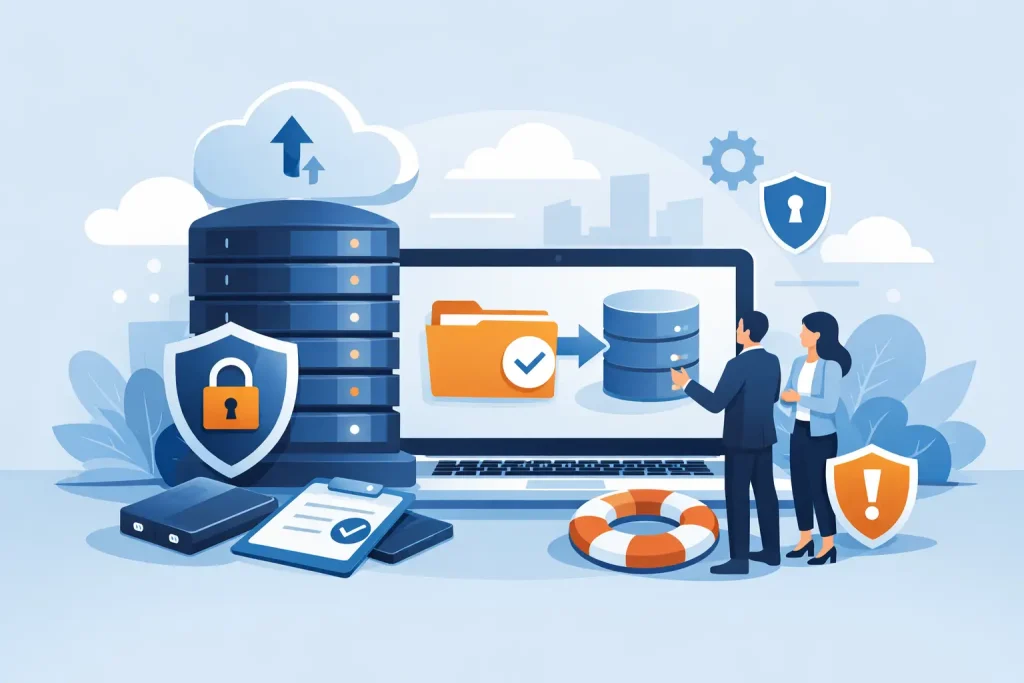
A server can fail before a busy Friday. An employee can overwrite a shared file minutes before a board meeting. A phishing email can encrypt years of customer records while everyone is focused on serving clients. These are the everyday reasons why do businesses need backups is more than a technology question. It is an operational question: can your organization continue to serve people when a critical system, file, or account is suddenly unavailable?
For a local business, nonprofit, healthcare office, museum, or community organization, downtime has consequences that extend well beyond an IT inconvenience. It can delay payroll, interrupt appointments, prevent access to donor or customer information, and weaken the trust that took years to build. A dependable backup strategy gives leadership a practical way to reduce that exposure and make recovery manageable.
Why Do Businesses Need Backups to Stay Operational?
Most organizations depend on more data than they realize. Financial records, contracts, staff documents, email, website files, customer databases, photos, marketing assets, scheduling systems, and point-of-sale information all support daily work. If even one of those systems becomes inaccessible, staff may be left using incomplete information, manual workarounds, or no process at all.
Backups create a separate, recoverable copy of that information. The word separate matters. A file copied to the same computer or office network may be convenient, but it may not survive a device failure, power event, theft, flood, fire, or ransomware attack. A real backup plan stores copies in protected locations and makes it possible to restore them when the original data is damaged or gone.
The goal is not merely to keep a copy of everything. The goal is to resume the work that matters. A dental office may need access to patient schedules and records first. A retailer may prioritize its payment system, inventory, and ordering files. A chamber of commerce may need membership data, event registration details, and its website content. Recovery priorities should reflect the organization, not a generic checklist.
Backups Protect Against More Than Cyberattacks
Ransomware gets attention for good reason. Attackers can lock systems, steal sensitive data, and demand payment while an organization struggles to operate. But many losses are less dramatic and more common: accidental deletion, failed software updates, misconfigured cloud permissions, hardware failure, and simple human error.
Cloud platforms reduce certain risks, but they do not automatically replace a backup strategy. Many services protect their own infrastructure, while customers remain responsible for recovering deleted files, account content, settings, or data changed by an authorized user account. If an employee deletes a shared folder or an attacker gains access through a compromised password, the change can quickly synchronize across connected devices.
A backup provides a point in time to return to. That can mean restoring a single document from yesterday, recovering a mailbox from last week, or rebuilding a critical server from a known-good copy. The right approach depends on how much data the organization can afford to lose and how long it can afford to be without a system.
The cost of downtime is usually larger than the repair bill
Business owners often compare backup costs with the price of a new computer or a cloud storage subscription. That is too narrow. The larger expense is often lost productivity, missed sales, delayed services, emergency labor, reputational damage, and the time required to reconstruct information from paper records, old emails, or staff memory.
Consider a small organization that cannot access email, accounting files, or its shared drive for two days. Staff may still be on the clock, but they cannot confirm orders, respond to inquiries, issue invoices, or process requests. If the outage affects a public-facing website or appointment platform, customers may assume the business is unavailable or unreliable. A planned backup service is generally far less costly than an unplanned recovery effort.
For organizations with regulatory, contractual, or privacy obligations, the stakes can be higher. Healthcare entities, professional services firms, and nonprofits handling donor information may need to demonstrate that records are protected and can be recovered. Backups support that responsibility, although they should be paired with access controls, encryption, monitoring, and a broader cybersecurity plan.
A Good Backup Plan Is Designed for Recovery
Having backups is not the same as being able to recover. A backup that has never been tested may be incomplete, corrupted, too slow to restore, or missing the system configuration needed to make it useful. This is where many organizations discover a gap only after an incident.
A practical plan starts with two decisions. First, determine the recovery point objective, or how much recent work can be lost. A business that processes orders all day may need backups several times per day. An organization with mostly static records may be comfortable with a nightly backup. Second, determine the recovery time objective, or how quickly a system must be restored. A website might tolerate a few hours of disruption; a critical line-of-business application may not.
Those decisions influence the technology, storage location, retention period, and budget. Faster recovery and more frequent backups typically require more planning and investment. That trade-off is worth discussing openly because not every system needs the same level of protection.
Use more than one copy and more than one location
A common best practice is often described as the 3-2-1 approach: maintain multiple copies of important data, use more than one type of storage, and keep at least one copy offsite. The exact setup can vary, but the principle is sound. A single external drive sitting beside the server is vulnerable to the same building-level events as the server itself.
For many small and mid-sized organizations, a combination of local and secure cloud backup makes sense. Local copies can support faster restoration of large files or systems. Offsite copies help protect against physical damage, theft, and widespread ransomware. Some organizations also benefit from an immutable backup, meaning a stored copy cannot be altered or deleted during a defined retention period. This can be particularly valuable when attackers try to erase backups before demanding payment.
What Should Your Business Back Up?
The answer is broader than documents on office computers. Start by identifying the data and systems required to continue operating, then verify where they actually live. Important information may be spread across workstations, servers, cloud applications, mobile devices, website hosting accounts, and vendor platforms.
A useful review should include these distinct areas:
- Shared files, financial records, customer or donor data, HR documents, and operational databases.
- Email, calendars, contacts, and cloud collaboration content.
- Servers, virtual machines, application settings, and network configurations.
- Website files, content databases, domain-related settings, and digital marketing assets.
- Critical device data and specialized systems used for scheduling, inventory, security cameras, or industry-specific operations.
Not every item needs identical retention or recovery speed. A daily social media graphic can be recreated more easily than an accounting database. Original museum images, design files, and campaign video footage may require larger storage capacity but carry lasting value. Classifying information by business impact helps control costs while protecting what is hardest to replace.
Testing Turns Backups Into Business Continuity
Recovery testing should be scheduled, documented, and treated as a normal business practice rather than an emergency-only task. Test a few representative scenarios: restoring an individual file, recovering a mailbox, bringing back a key application, and accessing data from an offsite location. The results reveal whether staff know who to call, what access is required, and how long restoration actually takes.
Testing also exposes overlooked dependencies. A server backup may restore the server, but can users sign in? Does the application require a license key, a vendor credential, or a separate database? Is the restored data current enough to process orders or appointments? These details are what separate a technical backup from a usable continuity plan.
Clear ownership matters as well. Someone should be accountable for reviewing backup status, responding to alerts, checking retention settings, and coordinating periodic tests. For organizations without an internal IT department, managed backup and disaster recovery services can provide that oversight without requiring an office manager or executive director to become a backup specialist.
Epuerto helps organizations align backup, cybersecurity, network management, and ongoing monitoring so protection supports the way their teams actually work. That coordinated approach can reduce vendor confusion and help leaders make decisions based on operational priorities rather than technical guesswork.
The best time to find a missing backup is during a planned test, not when a customer is waiting, a deadline is approaching, or your team is staring at an unavailable system. Start with the information your organization could not afford to lose tomorrow, then build recovery around the people who depend on it.