
A single convincing email can interrupt payroll, expose patient records, lock down shared files, or send a fraudulent invoice through your accounting process. For a small business or community organization, the question of how to train staff cybersecurity is not just an IT issue. It is a practical decision about protecting the trust your customers, donors, members, and partners place in you.
Most security incidents do not begin with a dramatic technical failure. They begin with an ordinary workday: a rushed employee clicks a link, someone reuses a password, or a staff member shares information with a caller who sounds legitimate. Effective training helps people recognize those moments and respond without fear or confusion.
Start With the Risks Your Staff Actually Faces
Generic annual security videos rarely change behavior. They may satisfy a checkbox, but they often leave employees unsure what to do when a suspicious email, password prompt, or unexpected payment request appears in real life.
Begin by identifying the systems and information your organization relies on. A healthcare office may need to focus heavily on patient data, secure messaging, and identity verification. A nonprofit may be especially vulnerable to donation scams, vendor impersonation, and shared-account access. A retail business may need to address point-of-sale devices, customer payment data, and fraudulent refund requests.
Look at the incidents that would cause the most operational harm, not only the most technical harm. Ask where money moves, where sensitive records live, who has access to cloud platforms, and which employees communicate with the public. Your training should reflect those answers.
This is also where a managed IT partner can provide value. Security logs, help desk tickets, email filtering reports, and past near-misses can reveal patterns that leadership may not see. If employees repeatedly report fake Microsoft 365 notices, for example, that is a clear signal for a focused training session.
How to Train Staff in Cybersecurity Without Overwhelming Them
The best approach is short, recurring, and connected to each person’s role. Employees do not need to become cybersecurity specialists. They need clear habits that make the safe choice easier during a busy day.
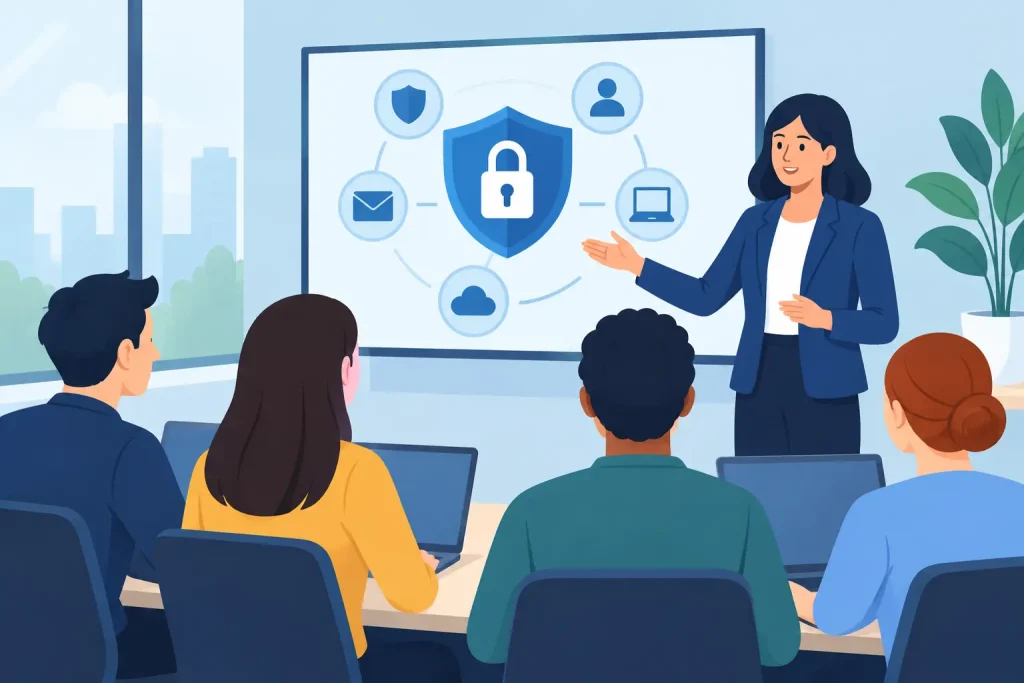
Start with a plain-language baseline session for everyone. Explain that cybersecurity protects the organization’s ability to serve its community, maintain revenue, and keep commitments to customers. Avoid leading with acronyms and technical jargon. Instead, show employees what a suspicious message looks like, where they should report it, and what happens after they report it.
Then reinforce that foundation in small doses. A five-minute reminder during a staff meeting, a monthly simulated phishing exercise, or a brief security tip included in internal communications can be more effective than a once-a-year presentation. Repetition matters because attackers change their tactics and people forget details when they do not use them.
Training should cover four everyday behaviors:
- Spotting phishing, text-message scams, fake login pages, and impersonation attempts.
- Using unique passwords and multi-factor authentication correctly.
- Handling sensitive files, customer information, and shared devices responsibly.
- Reporting mistakes and suspicious activity immediately, without blame.
The final point deserves special attention. Employees who fear getting in trouble may hide a misdirected email or a mistaken click. That delay can turn a contained event into a serious problem. Make it clear that fast reporting is a success, even when someone made an error.
Make Phishing Training Specific and Realistic
Phishing remains one of the most common paths into business systems because it takes advantage of urgency, authority, and routine. A message that appears to come from a director, a bank, a shipping company, or a familiar software provider can look convincing at a glance.
Show staff how to pause before acting. They should inspect the sender’s full email address, question unexpected attachments, and be cautious about login requests that arrive without warning. Encourage them to verify sensitive requests using a known phone number or a separate communication channel, rather than replying directly to the message.
For organizations that process payments, train staff to treat changes to banking details, invoices, gift card requests, and wire instructions as high-risk events. A request that appears to come from an executive should still follow a documented approval process. Good security is not distrustful of colleagues. It is consistent, especially when money or confidential information is involved.
Simulated phishing tests can help, but they need to be used thoughtfully. The goal is education, not embarrassment. If a staff member clicks, provide immediate coaching that explains the warning signs they missed. Aggregate results can also show leaders where additional training or technical controls are needed.
Train by Role, Access, and Responsibility
Not every employee needs the same level of instruction. A front-desk employee, finance manager, executive director, volunteer coordinator, and network administrator all face different decisions and have different levels of access.
Finance and leadership teams should receive additional instruction on business email compromise, payment approvals, and executive impersonation. Employees who manage websites or social media accounts should understand account recovery, password managers, multi-factor authentication, and the risks of granting access to outside contractors. Staff who work remotely need guidance on secure Wi-Fi, device updates, screen privacy, and what to do if a laptop or phone is lost.
This role-based approach also keeps training relevant. When employees see their actual responsibilities reflected in the examples, they are more likely to remember what to do. It respects their time while strengthening the areas where a mistake could have the greatest impact.
Pair Training With Systems That Support Good Decisions
Training alone cannot carry the full weight of cybersecurity. Asking people to be careful while leaving outdated software, shared passwords, or unprotected accounts in place creates avoidable risk.
Support staff training with practical safeguards: multi-factor authentication, managed updates, secure backups, access controls, spam filtering, endpoint protection, and documented procedures for onboarding and offboarding. When an employee leaves or changes roles, remove access promptly. When a new employee arrives, give them the tools and training they need before access is expanded.
There is a trade-off to manage. Too many hurdles can frustrate staff and lead them to work around the rules. Too few controls make one mistake far more costly. The right balance depends on your organization’s size, regulatory obligations, systems, and the sensitivity of the information you handle. A community museum may need a different level of control than a medical practice, but both need clear ownership and reliable processes.
Practice the Response Before an Incident Happens
Employees should know exactly what to do when something seems wrong. Create a simple reporting path that answers three questions: who should be contacted, how should they be contacted, and what information should be preserved? Make that guidance easy to find.
Run a short tabletop exercise once or twice a year. Present a realistic scenario, such as a staff member entering credentials on a fake login page or a suspicious invoice being paid. Discuss the first hour of response: who alerts IT, who contacts the bank, who communicates with customers if needed, and how operations continue if systems are unavailable.
These exercises often reveal gaps that technical tools alone cannot solve. A backup may exist, but does the right person know how to access it? The organization may have cyber insurance, but does leadership know the reporting requirements? Practice turns a written policy into a usable plan.
Measure Improvement, Not Just Attendance
Completion rates are useful, but they do not prove that training is working. Track outcomes that reflect behavior: phishing-report rates, repeat click rates, multi-factor authentication adoption, patching compliance, and the time it takes to report a suspected incident.
Share progress with employees in a constructive way. If more staff members report suspicious emails, celebrate that improvement. If one department needs additional support, offer relevant coaching rather than treating the result as a failure. Cybersecurity culture grows when people understand that they are active participants in protecting the organization.
Your staff already makes dozens of trust decisions every day. Give them clear guidance, realistic practice, and technology that supports good judgment. That investment helps protect more than systems and files – it protects the confidence your community has in your organization.