
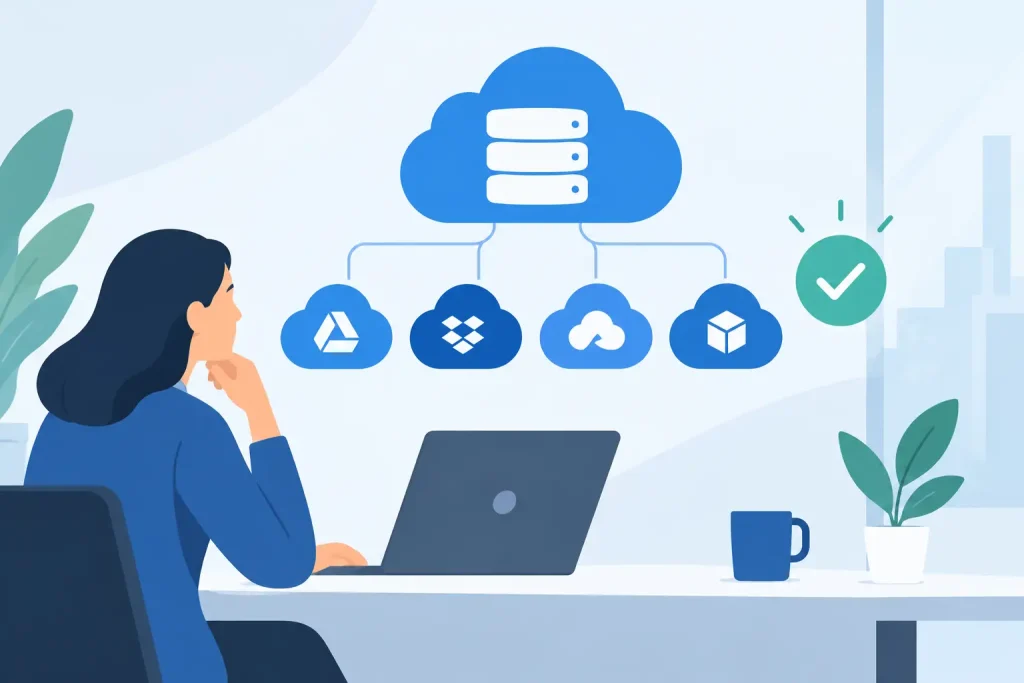
A lost proposal, a locked accounting file, or a staff member unable to access a client record can stop a small organization faster than most leaders expect. Cloud storage can prevent those disruptions, but only when it is chosen around the way your organization actually works. Knowing how to select cloud storage means looking beyond the monthly price and asking whether the service will protect your data, support your people, and hold up during a real problem.
For a local business, nonprofit, healthcare office, museum, or community organization, storage is not simply a place to put files. It is part of your operational foundation. It affects security, collaboration, client service, disaster recovery, and even the confidence your staff has in the tools they use every day.
Start With Your Business Requirements
Before comparing providers, identify what you need to store and who needs access. A five-person office sharing proposals and marketing assets has different requirements than a healthcare organization managing sensitive records or a museum preserving high-resolution images and archival materials.
Consider the types of files your team uses most often. Documents, spreadsheets, photos, videos, design files, databases, email archives, and system backups all place different demands on storage. Large media files may require faster syncing and more capacity. Financial, personnel, and client information may require stronger access controls, retention policies, and compliance support.
Also look at how people work. If your team is mostly in one office, a simple shared-file environment may be enough. If employees work from home, travel between locations, or collaborate with outside vendors, secure remote access and reliable file sharing become much more important. The right platform should make approved work easier without making sensitive information easier to expose.
A useful planning exercise is to estimate your current storage use, then project growth over the next two to three years. Include new staff, more customer records, expanded marketing content, and larger file sizes. Choosing the smallest possible plan may save a little this quarter, but it can create friction when your organization grows.
How to Select Cloud Storage With Security in Mind
Cloud storage is only as valuable as the protection around it. A provider can have an impressive data center, but your files remain at risk if account settings are weak, permissions are unmanaged, or former employees retain access.
Look for multi-factor authentication, encryption while files are moving and while they are stored, detailed user permissions, and activity logs. Multi-factor authentication is particularly valuable because a stolen password alone should not be enough to open your organization’s files.
Permissions deserve close attention. Not every employee needs access to every folder. Your accounting records, HR documents, donor lists, patient information, and strategic plans should be separated from general working files. Select a service that lets administrators assign access by role, team, or project and remove access quickly when someone changes positions or leaves the organization.
For organizations subject to industry or contractual requirements, confirm that the storage service supports your obligations. Healthcare entities may need solutions that support HIPAA requirements. Organizations handling payment data, legal records, educational records, or government-related information may face additional rules. Compliance is not a label to take for granted. Ask what safeguards are included, what agreement may be required, and where the provider stores your data.
Security should also include ransomware protection. Version history and file recovery can help restore documents when files are accidentally overwritten, deleted, or encrypted by malicious software. These features are valuable, but they are not a complete backup strategy on their own.
Separate Cloud Storage From Backup
One of the most costly mistakes businesses make is assuming cloud storage automatically equals backup. It often does not.
Cloud storage is designed for access, sharing, and collaboration. When a staff member deletes a shared folder, syncs a corrupted file, or opens a malicious attachment, that change can spread across connected devices. Recovery tools may help, but their retention periods and recovery options vary widely.
A business-grade backup and disaster recovery plan keeps separate copies of critical information and defines how those copies will be restored. It should cover more than shared documents. Think about accounting software, line-of-business applications, website files, email, databases, workstation data, and server data where applicable.
Ask a direct question before selecting a platform: if our primary systems became unavailable this afternoon, what data could we restore, how long would it take, and who would manage the process? If the answer is unclear, storage alone is not solving the business continuity problem.
Compare Cost by Total Value, Not Just Price
Low monthly pricing can be attractive, especially for organizations watching every operating expense. However, the advertised price may not include the features your team actually needs. Additional costs can appear through higher storage tiers, advanced security controls, backup capacity, longer retention, administrative tools, or technical support.
Review whether pricing is based on users, storage volume, devices, or a combination of factors. A per-user model may work well for a growing office with modest file sizes. A capacity-based model may make more sense for an organization managing large video files, photography, archives, or production assets. Neither model is automatically better.
Support costs matter too. When a file access issue affects payroll, patient scheduling, an event deadline, or a grant application, waiting for a generic support queue can be expensive. A managed IT partner can provide a practical layer of accountability by configuring the system, managing users, monitoring security, and helping staff resolve issues before they become operational disruptions.
Evaluate Reliability and Ease of Use
Your cloud storage system should be dependable, but it also needs to be usable. If staff find it confusing, they may save files to personal accounts, local desktops, USB drives, or unapproved consumer tools. That creates blind spots in security and makes it harder to protect organizational data.
During evaluation, test the everyday experience. Can users find files quickly? Is sharing easy to control? Does the system work well on the devices your staff uses? Can someone restore a previous version without calling for help? Does syncing create duplicate files or confusion when people work offline?
Pay attention to internet realities as well. Organizations in coastal and rural communities may have varying connection speeds or occasional service interruptions. Large-file synchronization can strain a limited connection, while online-only files may be difficult to access during an outage. In some cases, a hybrid approach that combines cloud access with local copies or local backup equipment is the more practical choice.
Plan Ownership, Policies, and Offboarding
Technology cannot compensate for unclear ownership. Assign someone in your organization, or an outside IT partner, to manage user accounts, permissions, storage limits, and recovery procedures. Without ownership, shared drives can become cluttered, sensitive folders can remain open too long, and former staff accounts may be overlooked.
Create straightforward rules for naming files, organizing folders, sharing documents externally, and saving sensitive information. These policies do not need to be complicated. They simply need to reflect how your team works and be communicated consistently.
Offboarding deserves its own process. When an employee, contractor, volunteer, or board member leaves, access should be removed promptly. Their files, email, and ownership of shared content may need to be transferred to another person. This protects business continuity as much as security.
Choose a Platform That Fits Your Broader Technology Plan
The best storage decision fits with your email, devices, cybersecurity tools, website operations, backup plan, and staff workflows. A platform that works in isolation but creates complexity everywhere else is rarely a good long-term investment.
For example, an organization already using a business productivity suite may benefit from storage that integrates with its email, calendars, identity controls, and document collaboration tools. Another organization may prioritize a provider with stronger media handling, external sharing controls, or archive capabilities. The goal is not to select the most feature-heavy option. It is to select the option that solves the right problems with the least unnecessary complexity.
Epuerto helps organizations approach cloud decisions as part of a comprehensive digital solution, connecting secure infrastructure with the tools that keep teams productive and visible in their communities. A thoughtful setup can reduce vendor confusion while giving leaders clearer control over the information that keeps their organization moving.
Cloud storage should make daily work calmer, not more complicated. Choose a solution your team can use confidently, protect it with clear controls and independent backup, and revisit the plan as your organization grows. That is how stored files become dependable business assets rather than another unmanaged risk.